From Mr. Radio & Mrs. Computer

Your routine.
Your music.
Yours alone.

Two free apps from the Technohumans. Techno-Book keeps your schedule, medications and private life in an encrypted vault only you can open. TechnoHuman Player plays almost any song or video you own.

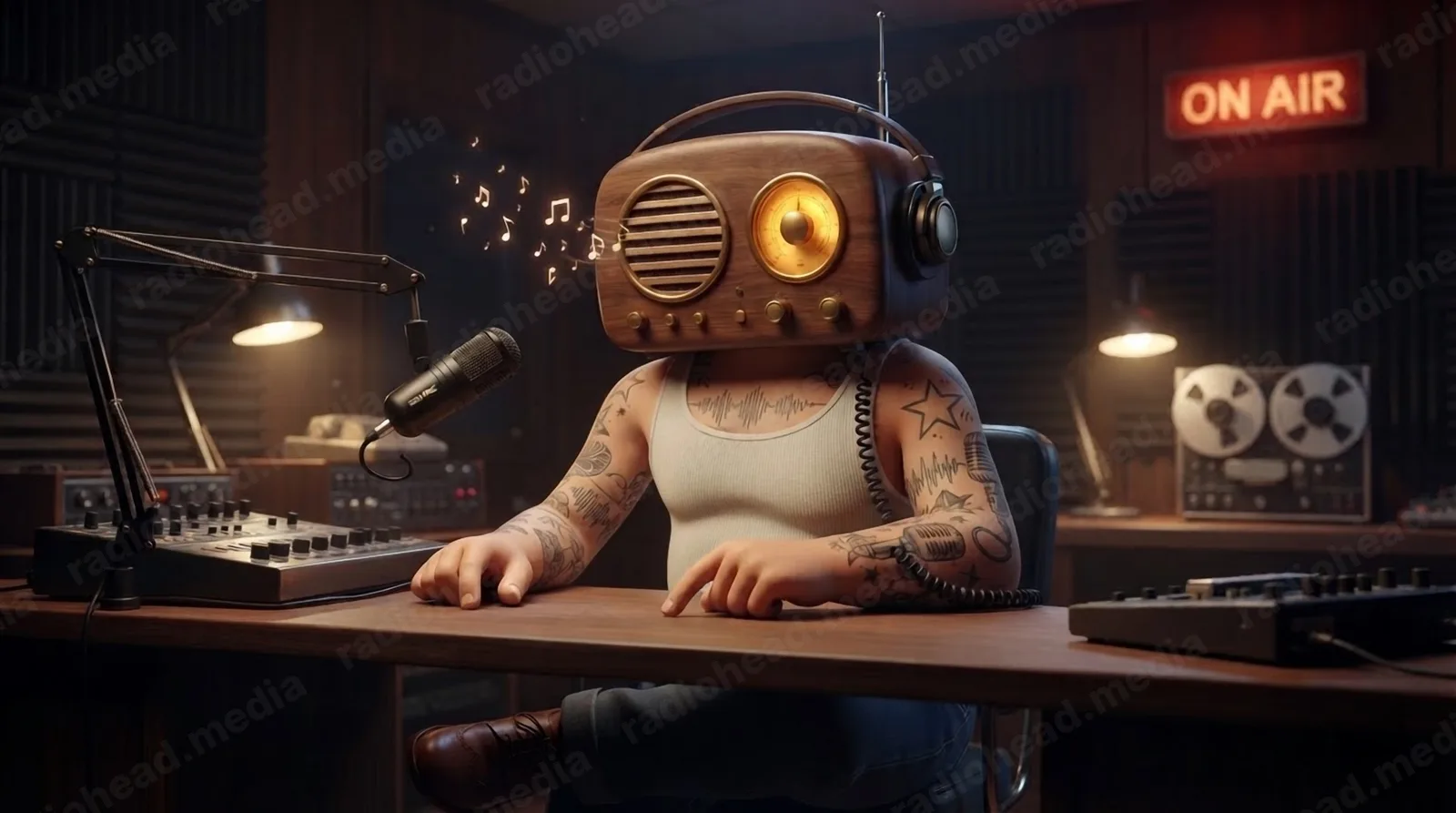
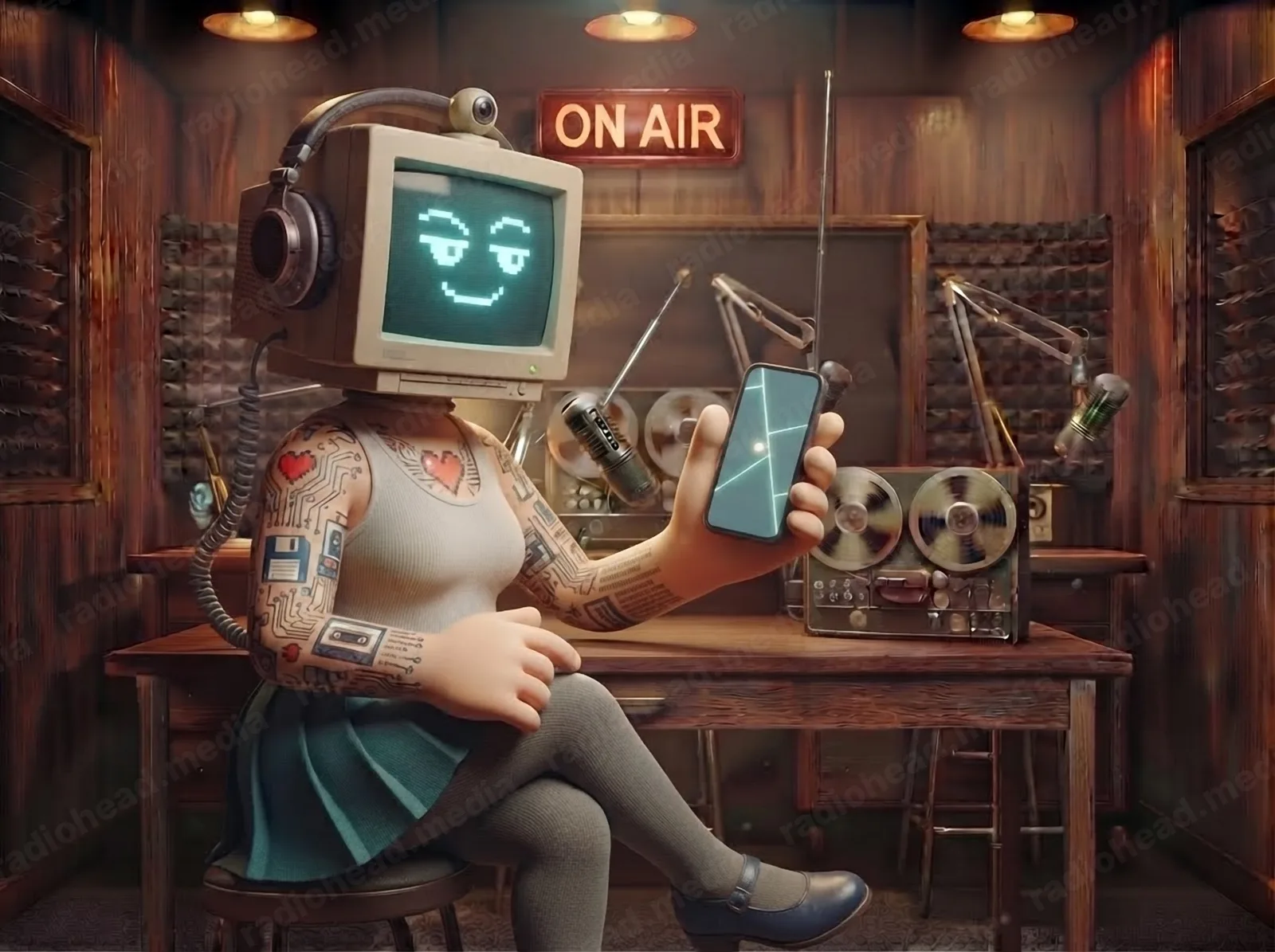
Mrs. Computer at the studio desk, holding up her phone with a knowing smile Mr. Radio humming at the mixing desk, music notes drifting from his speaker

Techno-Book

Sanctuary, not surveillance.

Most planners and health apps watch you so they can sell what they learn. Techno-Book turns that around: a sovereign, private ledger for your appointments, medications, birthdays, tasks, notes and contacts. It's encrypted on your device, and the data exists only for you.

Mr. Radio

Mr. Radio is the signal

On your phone: what's due now, one-tap Take, Snooze or Skip, quick adds in plain English, and reminders that reach you in the tray, by phone push or by email. Sensitive ones just say “Scheduled Routine” on the lock screen until you unlock.

Mrs. Computer

Mrs. Computer is the vault

On your computer: the full ledger. Timeline and week planner, the permanent dose log, adherence, stock, contacts, and the keys. Press Ctrl K and ask her anything: “what's on Thursday?”

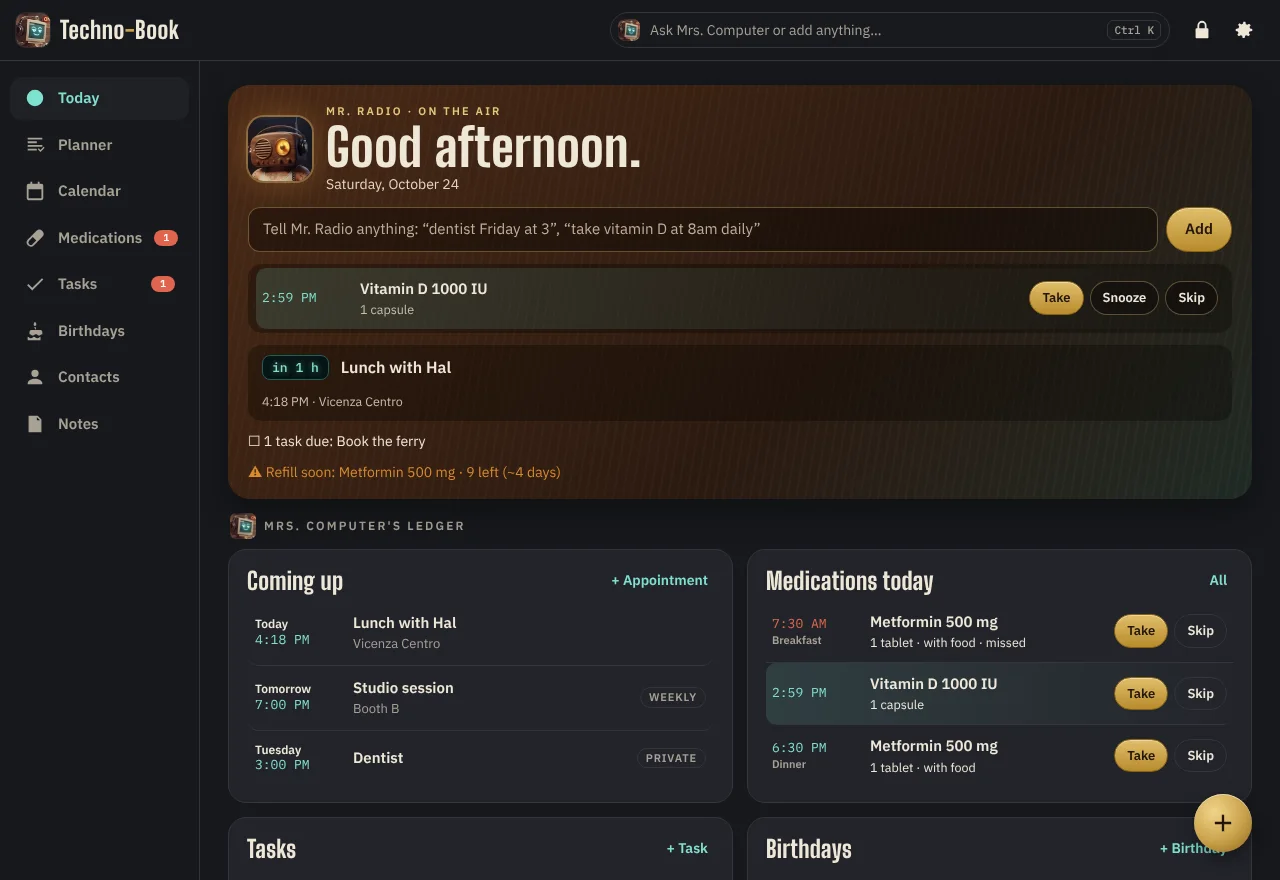
Techno-Book's Today screen: Mr. Radio's signal panel with a dose due and the next appointment, and Mrs. Computer's ledger below

Use it now

Works in any modern browser. Install it from there to get an app icon, offline use and alerts.

Open Techno-Book

iPhone: open in Safari, tap Share, then Add to Home Screen. Android: Chrome menu, then Install app.

Desktop app

Lives in your system tray, so reminders arrive even with the window closed.

All downloads, sizes and checksums

How the vault works

The key never leaves your hands.

Mr. Radioyour phone 🔑 key made on deviceAES-256-GCM Mrs. Computeryour computer 🔑 key made on deviceAES-256-GCM Relaystores scrambled datahas no key x9#Q……7fL@ Your passphrase → Argon2id → the key. Nobody else has it, including us.

Local first. Everything works offline. Reads and writes happen on your device.

Encrypted at rest. Appointments, medication names, doses and notes are scrambled before they're saved.

Zero-knowledge sync. The relay passes along ciphertext it can't read. Conflicts are settled on your devices.

Discreet alerts. Lock screens and emails can just say “Scheduled Routine”. Details appear only inside the unlocked app.

Fingerprint or face unlock where your device supports it, plus a recovery code you keep.

No ads, no tracking, no account. We can't sell what we can't see.

Turning on phone push or email alerts sends the relay only each alert's time and the text it displays (masked when discreet). Business search sends only your search words to Google. Full privacy notice.

TechnoHuman Player

Plays what you have.

A walnut-and-brass player for the music and video already on your device. Mr. Radio hums along while it plays. Nothing is uploaded and nothing is streamed from anywhere.

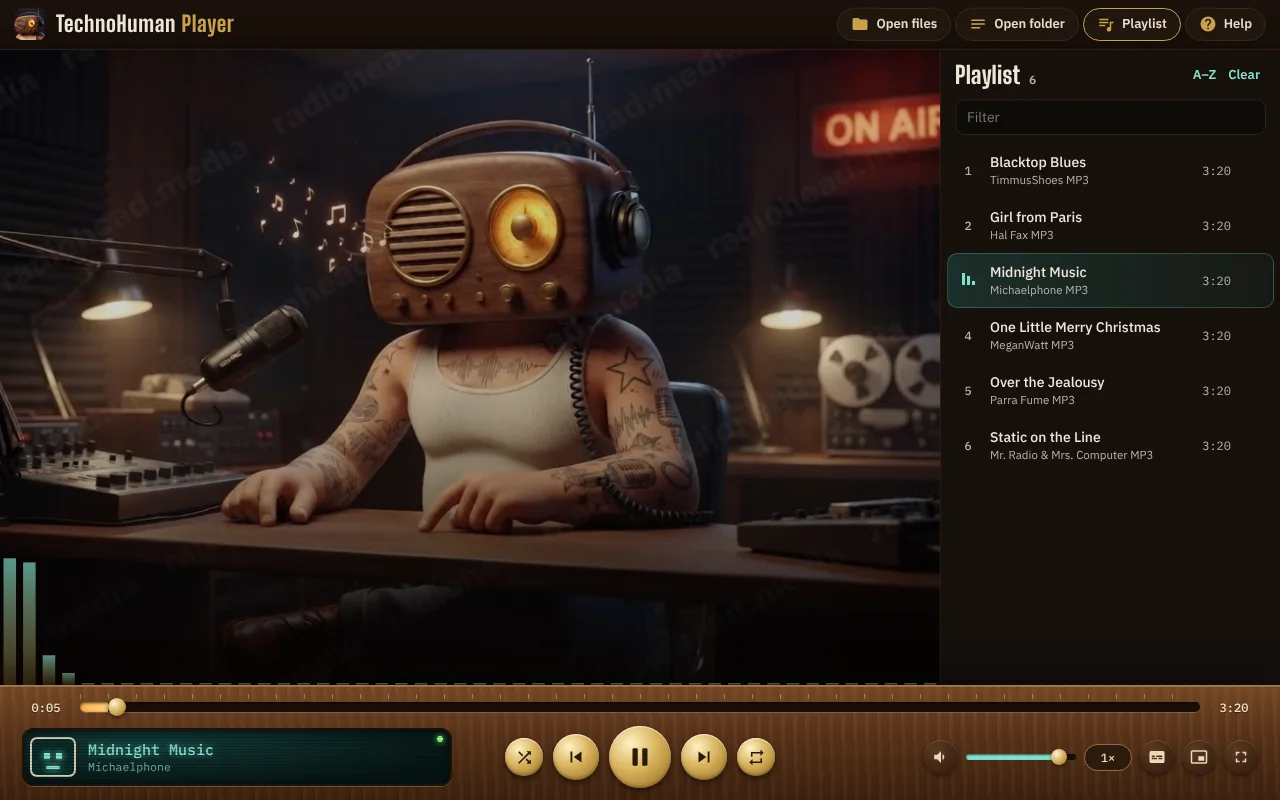
TechnoHuman Player playing a song: Mr. Radio humming on screen, a playlist on the right, and the walnut control deck with brass buttons and a teal display

Use it now

In the browser it plays the formats your browser supports, including MP3, AAC, FLAC, WAV, OGG, MP4 and WebM.

Open the player

Desktop app

Plays everything, and can be your default media player.

All downloads, sizes and checksums
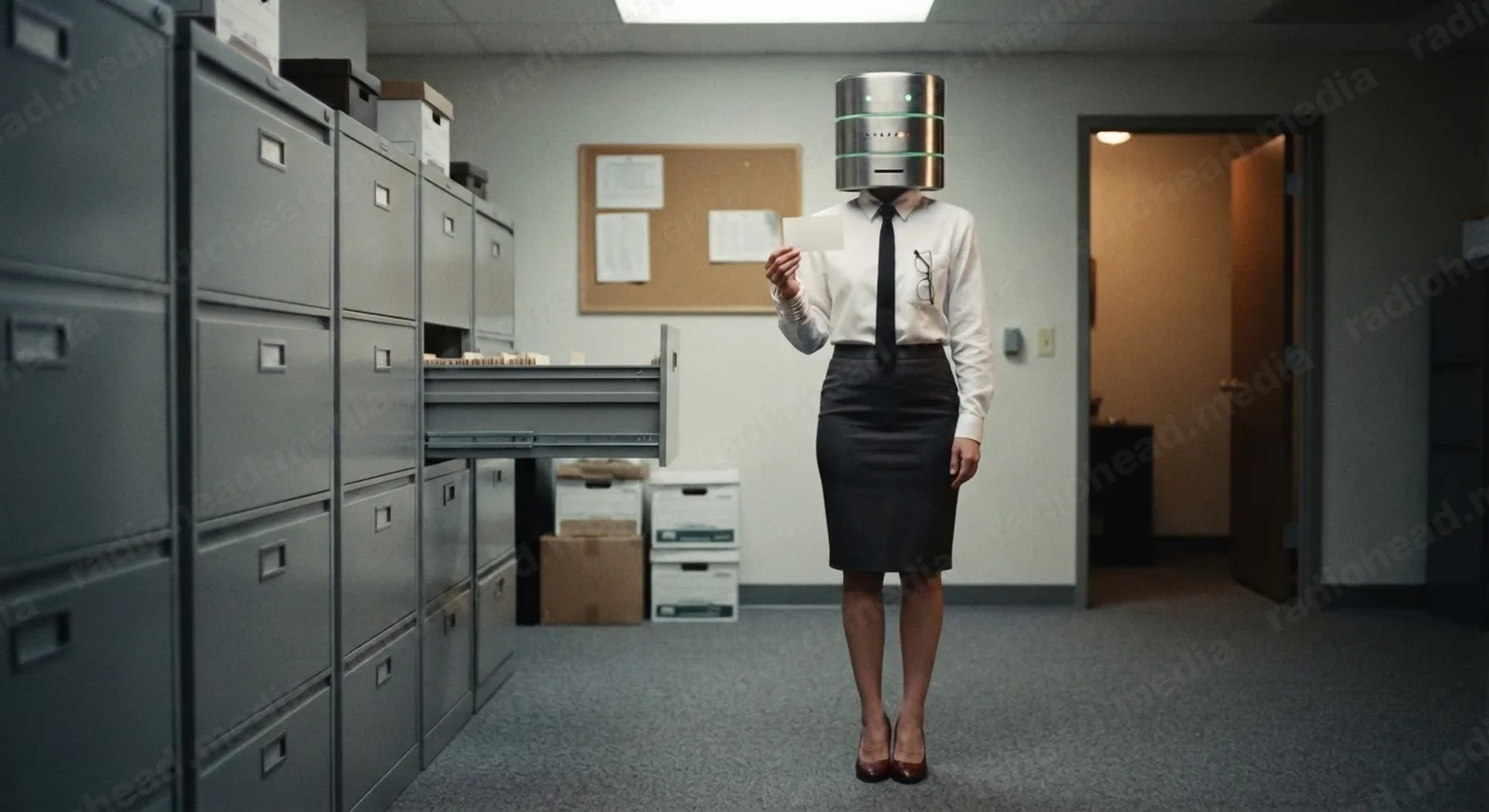
DaniaBase in the archive room holding up an index card

The archive

DaniaBase has your file.

She knows every version of every app, in order, and she'll hand you exactly what you asked for. Windows, Mac or Linux.

Go to Downloads

Good to know

Are they really free?

Yes. No ads, no subscription, no account.

Windows says “Windows protected your PC”

That appears for new apps from small studios. Click More info, then Run anyway. The installer only puts the app on your computer.

My Mac says it can't check the app

Open the disk image, drag the app to Applications, then right-click it and choose Open. If macOS still refuses, go to System Settings → Privacy & Security and click Open Anyway.

What if I forget my Techno-Book passphrase?

Use the recovery code you saved when you made your vault. Without the passphrase or the code, nobody can open it, not even us. That's the point. Keep the code somewhere safe.

Can Techno-Book remind me when it's closed?

Yes. The desktop app stays in your system tray. On a phone, turn on Phone push in Settings (on iPhone, add Techno-Book to your Home Screen first). Email alerts are there too.

I need help

Email support@radiohead.media. Never send your passphrase or recovery code to anyone, including us. We will never ask for them.

Is Techno-Book medical advice?

No. It helps you keep track of what your doctor or pharmacist told you. Always follow their instructions.