
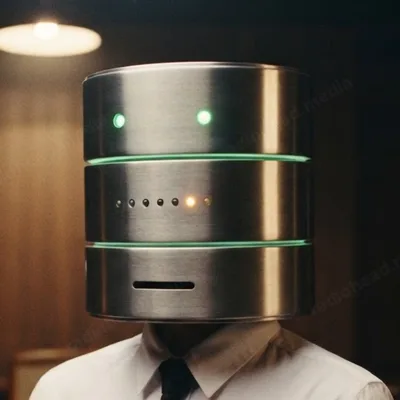
DaniaBase in her archive room, a drawer of the filing cabinets pulled open, holding up a single index card

DaniaBase keeps the archive

Exactly what you asked for.

Every version of every Technohuman app, filed and checked. Tell her which computer you're on, or let her work it out.

DaniaBase

Searching the archive…

The full record

Version 1.0.0

AppComputerFileSizeSHA-256

Prefer no install? Techno-Book and the player also run in your browser and install from there on phones and tablets.

Installing

Windows

  1. Open the Setup .exe you downloaded.
  2. If Windows says “Windows protected your PC”, click More info, then Run anyway. That shows up for new apps from small studios.
  3. Choose where to install, then finish. Look for it in the Start menu.

Player as default: Settings → Apps → Default apps → TechnoHuman Player.

Mac

  1. Open the .dmg and drag the app into Applications.
  2. The first time, right-click the app and choose Open.
  3. If macOS still won't open it: System Settings → Privacy & Security, scroll down, click Open Anyway.

Player as default: right-click a song → Get Info → Open with → TechnoHuman Player → Change All.

Linux

  1. Download the .AppImage.
  2. Make it runnable: right-click → Properties → Allow executing, or chmod +x it.
  3. Double-click to run. No install needed.

“She'll hand you exactly what you asked for. And not one word more.”Mrs. Computer, on DaniaBase